
Parent receipts
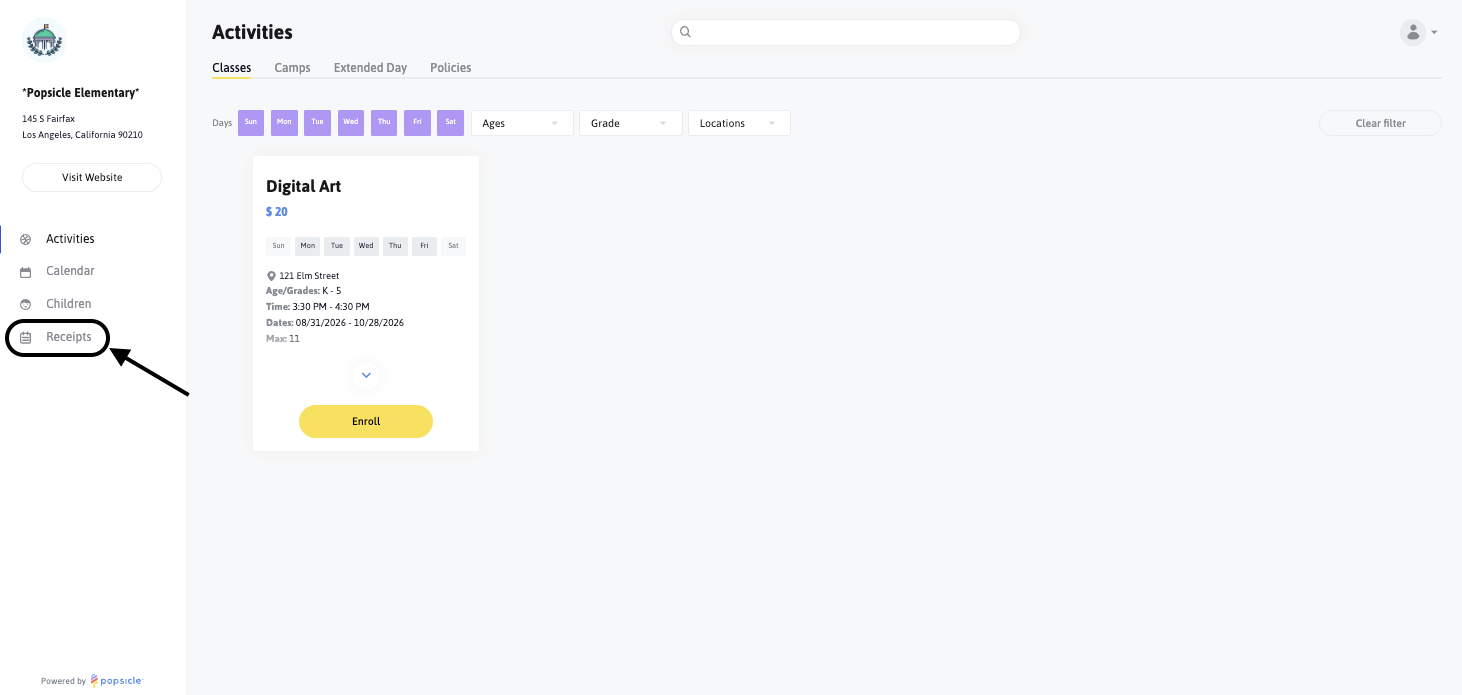
If parents would like to review any receipts for the activities they've signed their children up for, all they will need to do is click on the Receipts section of the Parent Portal here to see a list of their receipts:
Receipts will be listed in order of the most recent and show all of the receipt details, including the time of the charge, a description of the activity, the activity status, and a button to download the receipt:
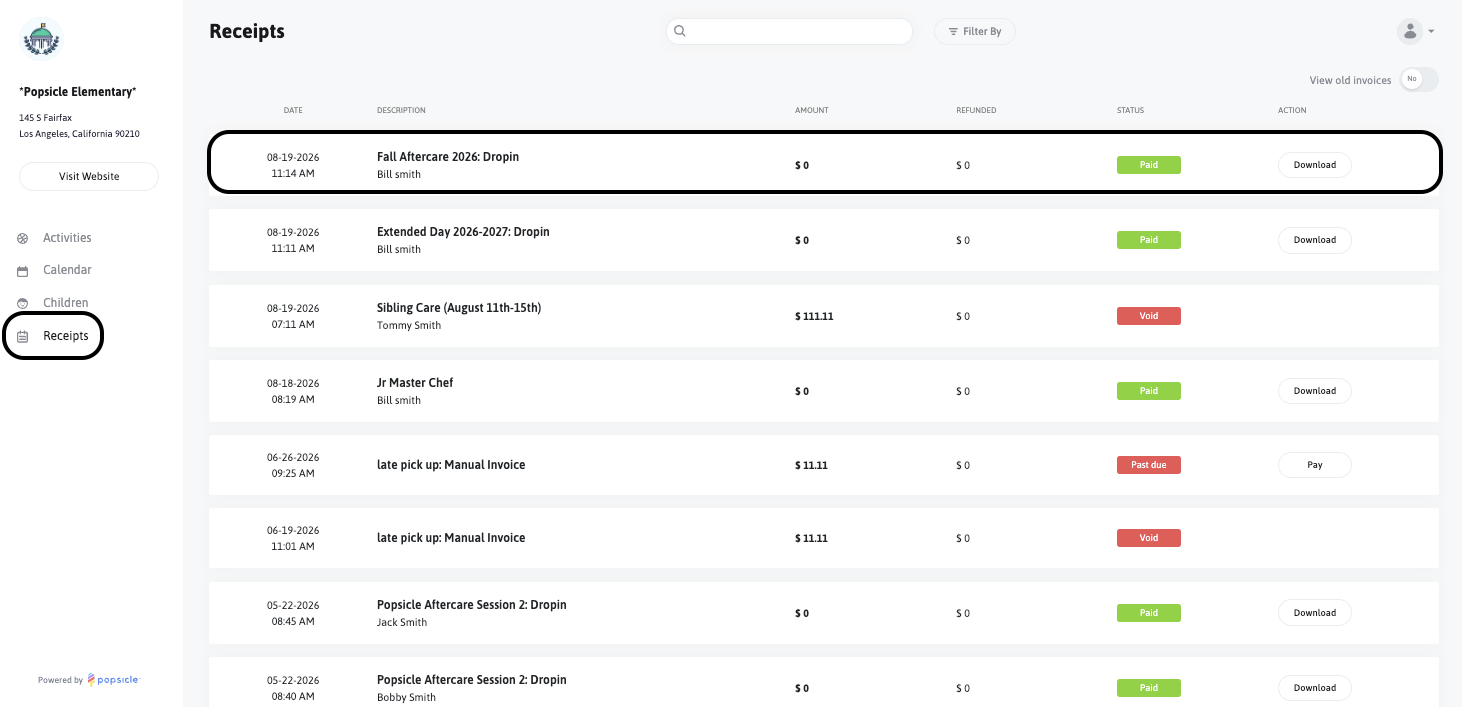
If there are Open invoices, parents are able to pay those directly from the Parent Portal. Click on the "Pay" option here:

This will take you directly to pay:

The Status of a receipt will be one of the following:
- Open: The invoice has been sent to the parent and is awaiting payment.
- Paid: The invoice has been paid in full.
- Past Due: The invoice is overdue for payment.
- Void: The invoice has been canceled.
- Uncollectible: The invoice is marked as uncollectible due to reasons like non-payment or inability to collect funds.